
Natural Language Processing with Python: Text-Based AI for Beginners
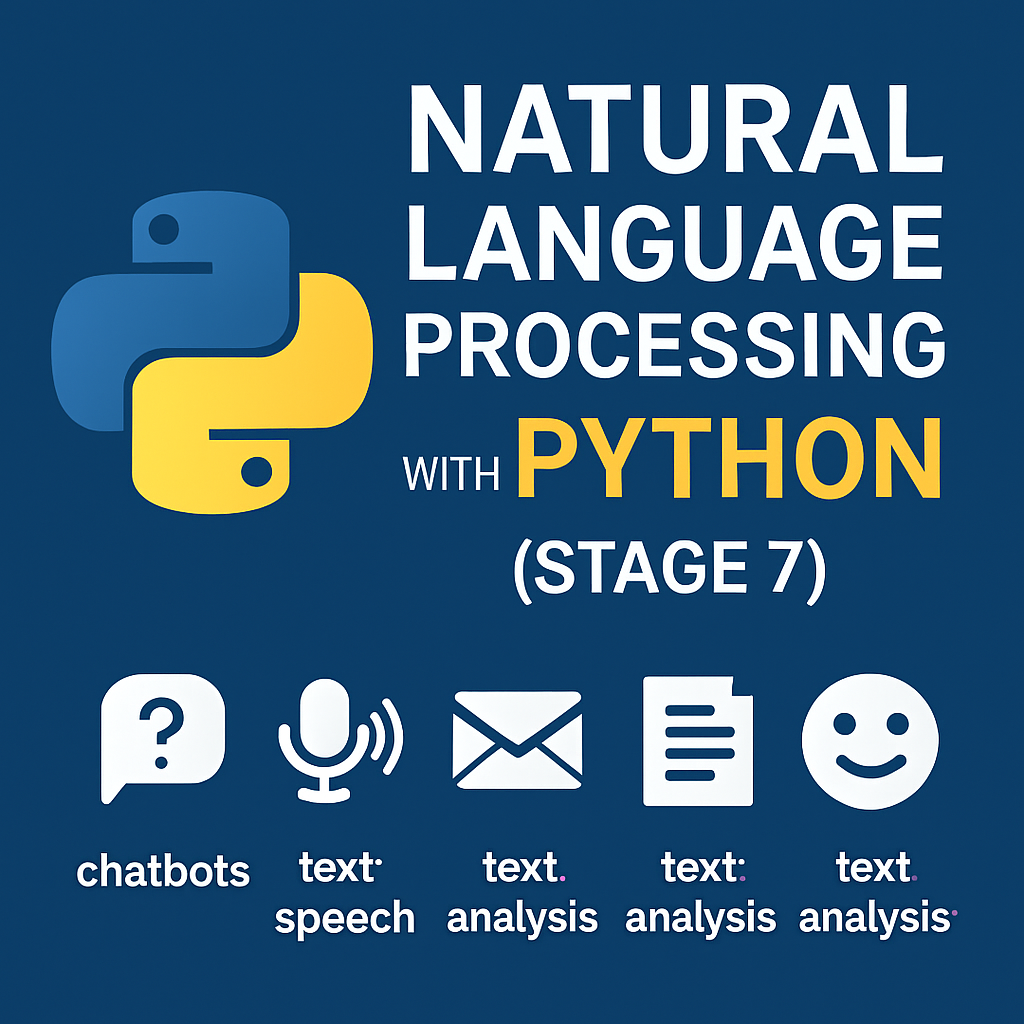
Welcome to Stage 7, where machines learn to understand human language. This is the world of Natural Language Processing (NLP)—the branch of AI that powers chatbots, language translators, email filters, and text summarizers. With Python and libraries like NLTK, spaCy, and transformers, you can analyze, process, and generate text as intelligently as many modern AI tools.
In this guide, we’ll explore core NLP tasks and build simple projects using Python.
1. What Is NLP and Why Does It Matter?
Natural Language Processing (NLP) is the bridge between human communication and machine understanding. NLP allows computers to:
- Understand user commands (like “What’s the weather today?”)
- Translate text between languages
- Summarize large blocks of text
- Detect spam, hate speech, or emotion
NLP is everywhere—Siri, Google Translate, and even ChatGPT use it.
2. Setting Up Your NLP Toolkit
Let’s start by installing essential libraries:
pip install nltk spacy
python -m nltk.downloader punkt stopwords
python -m spacy download en_core_web_sm
You can also use transformers from Hugging Face for advanced models like BERT or GPT.
3. Basic NLP Tasks with NLTK and spaCy
✅ Tokenization (splitting text into words/sentences)
from nltk.tokenize import word_tokenize

text = "Natural Language Processing is fun!"
tokens = word_tokenize(text)
print(tokens)
✅ Stopword Removal (removing common words like “the”, “is”)
from nltk.corpus import stopwords

stop_words = set(stopwords.words('english'))
filtered = [w for w in tokens if w.lower() not in stop_words]
print(filtered)
✅ Named Entity Recognition (NER)
import spacy

nlp = spacy.load('en_core_web_sm')
doc = nlp("Apple is looking at buying a startup in the UK.")

for ent in doc.ents:
    print(ent.text, ent.label_)
You can build tools that understand names, places, dates, and companies from text.
4. Sentiment Analysis and Text Classification
NLP lets you detect emotion or intent in text. You can use pre-trained models or simple word-based sentiment tools.
✅ Using TextBlob:
pip install textblob
from textblob import TextBlob

text = "I love working with Python!"
blob = TextBlob(text)
print(blob.sentiment)
Output:
Sentiment(polarity=0.5, subjectivity=0.6)
Positive sentiment = good. Negative = bad. Simple as that.
5. Real-World NLP Project Ideas with Python
- Chatbot with rule-based NLP
- Email spam filter
- News summarizer
- Voice-to-text and text-to-speech integration
- Text classification for customer reviews (positive/negative)
Combine these with automation tools and you can make smart assistants, support bots, or insightful analytics dashboards.
Conclusion: Now Your Code Understands Language
With Natural Language Processing in Python, your applications can listen, read, and understand human language. From basic tokenization to emotion detection, you now have the power to build intelligent language-aware systems.
👉 Next up: Stage 8 — Deploying AI Models with Streamlit and Flask