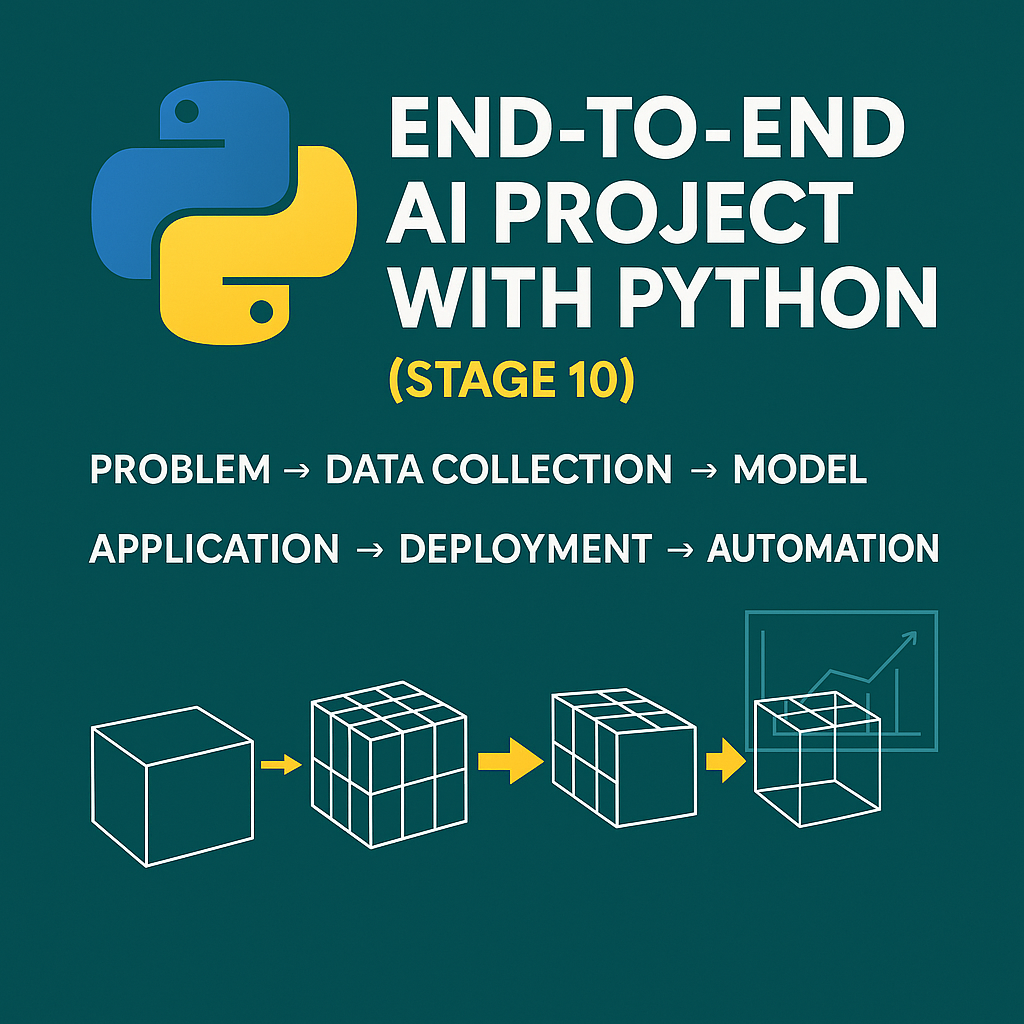
Python is one of the most beginner-friendly programming languages, and it’s powering everything from simple office task automation to advanced artificial intelligence. Whether you’re a student, a freelancer, or someone looking to upgrade your digital skills, Python opens the door to a wide range of possibilities. In this Stage 1 guide, we’ll walk through the basics of Python and how it sets the foundation for automation and AI.
1. Why Choose Python for Automation and AI?
Python’s syntax is clean, readable, and easy to learn. That’s why it’s the top choice for beginners and professionals alike. It’s also incredibly versatile—you can use it for:
- Automating repetitive tasks
- Managing files and emails
- Analyzing data
- Building AI models and chatbots
Its extensive libraries and strong community support make it perfect for real-world applications without reinventing the wheel.
2. Setting Up Your Python Environment
To get started, install the following tools:
- Python: Download from python.org
- Code Editor: Visual Studio Code or PyCharm
- Jupyter Notebook (optional): Great for data and AI projects
After installation, run this in your terminal to verify:
python --version
You’re now ready to start coding!
3. Writing Your First Python Program
Let’s try a classic:
print("Hello, world!")
This simple command shows how easy Python is to learn. Now, imagine you want to rename hundreds of files automatically. Here’s a basic example:
import os

folder = 'your/folder/path'
for count, filename in enumerate(os.listdir(folder)):
    dst = f"file_{count}.txt"
    src = f"{folder}/{filename}"
    dst = f"{folder}/{dst}"
    os.rename(src, dst)
With just a few lines, you’ve saved hours of manual effort.
4. Must-Know Python Libraries
Python’s real power lies in its libraries. Here are some essential ones for automation and AI:
For Automation:
os,shutil: File handlingsmtplib: Sending emailspyautogui,selenium: Automating UI and browser
For AI and Data:
pandas,numpy: Data manipulationscikit-learn: Machine learningtensorflow,pytorch: Deep learning frameworks
Each of these libraries helps you build powerful tools without writing thousands of lines of code.
5. Simple Projects to Try as a Beginner
Here are a few beginner-friendly projects to help you practice:
- Auto File Renamer: Like the example above
- Email Automation Bot: Schedule daily email reports
- Web Scraper: Extract product prices or news headlines
- AI Chatbot (Basic): Use simple rules or NLP libraries
These projects build your confidence while creating real value.
Conclusion: Start Small, Think Big
Learning Python is your first step toward becoming a tech-savvy problem solver. Start with small scripts, then gradually move into automation workflows and AI models. By mastering the basics now, you’re setting yourself up for endless opportunities in the digital future.
👉 Coming soon: Stage 2 — Web Scraping and API Automation with Python.