
End-to-End AI Project Blueprint with Python
Introduction
Selamat datang di tahap akhir—Stage 10, tempat semua keterampilan yang kamu pelajari disatukan menjadi satu alur kerja nyata. Di tahap ini, kamu akan menyusun End-to-End AI Project menggunakan Python, dari ide awal hingga deployment. Ini adalah tahap yang menunjukkan kamu bukan hanya bisa membuat model, tapi juga membangun solusi AI utuh yang bisa digunakan orang lain.
1. What Is an End-to-End AI Project?
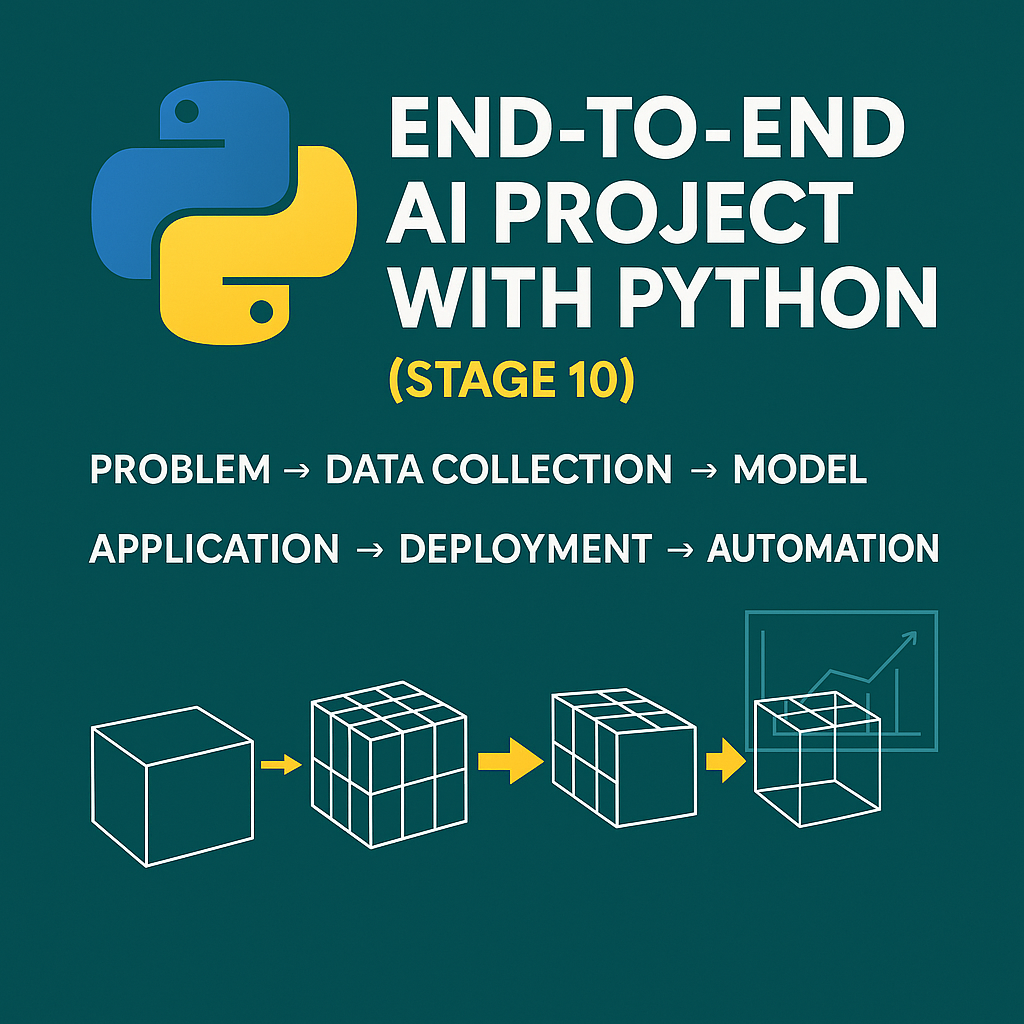
End-to-End berarti seluruh alur:
- Problem definition
- Data collection & cleaning
- Exploratory Data Analysis (EDA)
- Model training & evaluation
- Deployment (Web/API/UI)
- Automation & Maintenance
Proyek nyata membutuhkan semuanya, bukan hanya model yang akurat.
2. Choose a Realistic Project Use Case
Pilih topik yang memiliki dampak nyata. Contoh:
- Customer review sentiment analyzer
- Loan approval prediction dashboard
- Real-time stock movement alert bot
- Email autoresponder with NLP
- Resume ranking AI assistant
Gunakan ide yang bisa menghemat waktu, meningkatkan produktivitas, atau mengotomatiskan pekerjaan berulang.
3. Tools & Stack for Building
| Phase | Tools/Libraries |
|---|---|
| Data Collection | pandas, requests, scrapy, openpyxl |
| Preprocessing | pandas, sklearn, nltk, spacy |
| Modeling | scikit-learn, xgboost, tensorflow, transformers |
| Visualization | matplotlib, seaborn, plotly, streamlit |
| Deployment | streamlit, flask, render.com, github |
| Automation | schedule, cron, apscheduler, langchain |
4. Example Workflow: Sentiment Analysis App
Step 1: Define Goal
Classify customer feedback into positive, neutral, or negative.
Step 2: Prepare Dataset
Use CSV of feedback data, clean it using NLTK or spaCy.
Step 3: Train Model
from sklearn.pipeline import Pipeline
from sklearn.feature_extraction.text import TfidfVectorizer
from sklearn.linear_model import LogisticRegression

model = Pipeline([
    ('tfidf', TfidfVectorizer()),
    ('clf', LogisticRegression())
])
model.fit(X_train, y_train)
Step 4: Evaluate
Use accuracy, precision, and confusion matrix.
Step 5: Build Interface
Use Streamlit to create a user-friendly UI.
Step 6: Deploy
Upload project to GitHub, deploy on Render/Heroku with auto-refresh feature.
Step 7: Automate Reporting
Schedule weekly performance reports and logs.
5. Tips for Success
- ✅ Start with a clear problem
- ✅ Keep models simple and explainable
- ✅ Always document your process
- ✅ Design with user needs in mind
- ✅ Test edge cases and handle errors gracefully
- ✅ Version control with Git
- ✅ Present the project like a product
Conclusion: You’re Now a Full AI Creator
By completing Stage 10, you’ve bridged the gap between a coder and a real-world AI builder. You now know how to ideate, build, and deploy intelligent systems end-to-end—just like companies do.
👏 Congratulations on completing the full Learn Python for Automation and AI journey!
🎓 What’s next? Try participating in Kaggle competitions, building SaaS tools, or teaching others what you’ve learned.