
Deep Learning with Python using TensorFlow and Keras
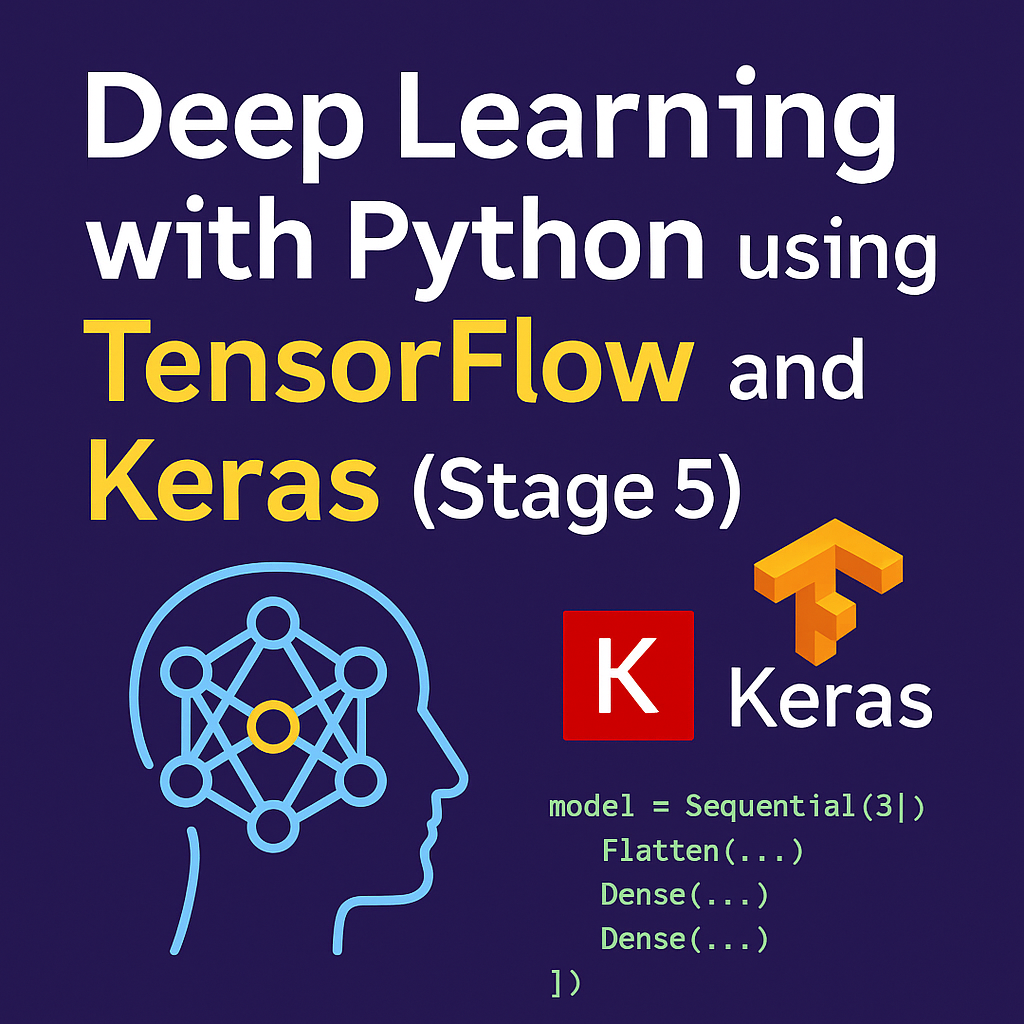
After building your first machine learning models, you’re now ready to dive into deep learning—the branch of AI behind facial recognition, self-driving cars, and voice assistants. In Stage 5, we’ll introduce you to TensorFlow and Keras, the two most widely used libraries in the deep learning world. You’ll build your first neural network from scratch and understand how layers, activation functions, and training loops work—all with Python.
1. What Is Deep Learning and Why It Matters
Deep learning is a subset of machine learning that uses artificial neural networks to model complex patterns in data. Unlike traditional ML, deep learning:
- Can handle unstructured data (images, audio, text)
- Learns features automatically (no manual feature engineering)
- Improves performance as data grows
It powers modern AI systems like:
- ChatGPT
- Google Translate
- Tesla Autopilot
- Instagram filters
2. Setting Up TensorFlow and Keras
TensorFlow is a robust deep learning framework by Google. Keras is its high-level API that makes building models intuitive.
Install it with:
pip install tensorflow
To confirm installation:
import tensorflow as tf
print(tf.__version__)
3. Building Your First Neural Network (MNIST Example)
We’ll build a simple classifier to recognize handwritten digits using the MNIST dataset.
from tensorflow.keras.datasets import mnist
from tensorflow.keras.models import Sequential
from tensorflow.keras.layers import Dense, Flatten
from tensorflow.keras.utils import to_categorical

# Load data
(x_train, y_train), (x_test, y_test) = mnist.load_data()

# Normalize and one-hot encode
x_train, x_test = x_train / 255.0, x_test / 255.0
y_train = to_categorical(y_train)
y_test = to_categorical(y_test)

# Build model
model = Sequential([
    Flatten(input_shape=(28, 28)),
    Dense(128, activation='relu'),
    Dense(10, activation='softmax')
])

# Compile & train
model.compile(optimizer='adam', loss='categorical_crossentropy', metrics=['accuracy'])
model.fit(x_train, y_train, epochs=5, validation_data=(x_test, y_test))
This model will reach 98%+ accuracy in recognizing digits from 0–9. Impressive for under 20 lines of code!
4. Core Concepts in Deep Learning
Here’s what each part of your model does:
- Flatten: Converts 2D image to 1D array
- Dense: Fully connected layer
- ReLU / Softmax: Activation functions to introduce non-linearity
- Categorical Crossentropy: Loss function for multi-class classification
And in real-world applications, you can expand this with:
- Convolutional Neural Networks (CNNs) for image processing
- Recurrent Neural Networks (RNNs) for sequence data
- Transfer Learning to leverage pre-trained models
5. Use Cases of Deep Learning in Automation and AI
- Image Recognition: Automate object detection in security systems
- Natural Language Processing: Build chatbots or sentiment analysis tools
- Speech Recognition: Convert spoken words into text
- Predictive Maintenance: Analyze sensor data from machines
- Recommendation Systems: Suggest products, movies, or news
All of these use models built using TensorFlow/Keras and Python.
Conclusion: You’ve Entered the Deep End of AI
Congratulations on reaching Stage 5! You’ve now built a neural network and understand the structure behind many modern AI applications. With deep learning, your automation and AI skills reach a new level of complexity and power.
👉 Up next: Stage 6 — Computer Vision and Image Processing with Python.