
Deploying Python AI Models with Streamlit and Flask
Introduction
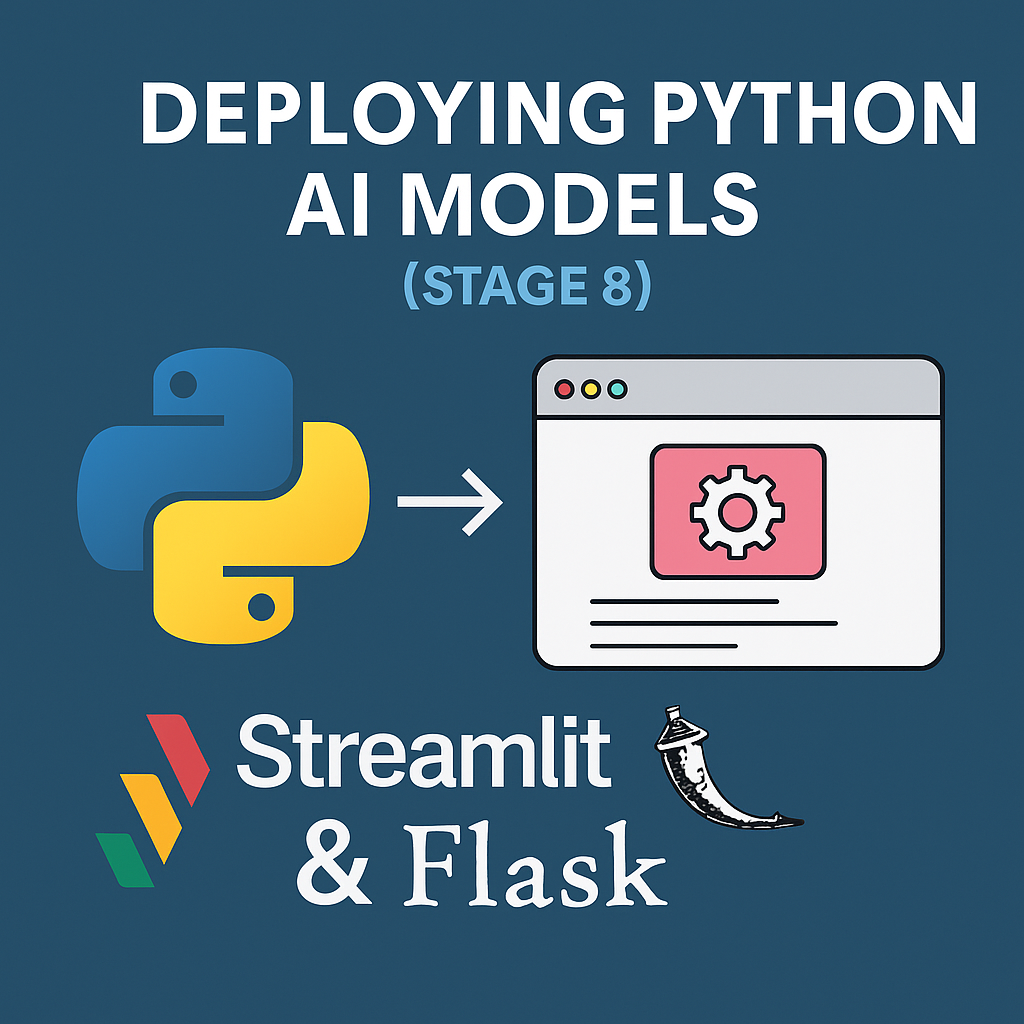
You’ve built powerful AI models. Now it’s time to make them accessible to users through simple, interactive web applications. In Stage 8, you’ll learn how to deploy Python AI models using two popular tools: Streamlit and Flask. Whether you want to create a chatbot interface, a sentiment analyzer, or an image classifier, deployment is what turns code into real-world solutions.
Let’s bring your AI to life—on the web.
1. Why Deployment Matters
Most AI models live and die inside Jupyter notebooks or .py files. Deployment lets you:
- Share models with clients or users
- Build interactive demos
- Create prototypes quickly
- Deploy models into production environments
You’ll turn machine learning code into real-time apps, accessible via browser.
2. Streamlit: Easiest Way to Build AI Apps
Streamlit allows you to create web apps with zero frontend code. It’s perfect for data scientists and beginners.
✅ Install Streamlit:
pip install streamlit
✅ Basic Sentiment Analysis App:
import streamlit as st
from textblob import TextBlob

st.title("Sentiment Analyzer")

text = st.text_area("Enter your sentence:")
if st.button("Analyze"):
    blob = TextBlob(text)
    st.write("Polarity:", blob.sentiment.polarity)
    st.write("Subjectivity:", blob.sentiment.subjectivity)
✅ Run your app:
streamlit run app.py
Boom. Instant AI-powered web app.
3. Flask: Flexible Framework for Custom Web APIs
While Streamlit is perfect for rapid UIs, Flask is ideal for building full backend APIs and web services.
✅ Install Flask:
pip install flask
✅ Basic API to Serve a Model:
from flask import Flask, request, jsonify
import joblib

app = Flask(__name__)
model = joblib.load('model.pkl')

@app.route('/predict', methods=['POST'])
def predict():
    data = request.get_json()
    prediction = model.predict([data['features']])
    return jsonify({'prediction': prediction.tolist()})

if __name__ == '__main__':
    app.run(debug=True)
Use this to integrate with JavaScript apps, mobile apps, or other Python services.
4. Hosting Options
You can deploy Streamlit or Flask apps easily on:
- Render.com (free & simple)
- Railway.app
- Heroku (limited free tier)
- VPS (e.g., DigitalOcean, Linode)
- Docker containers (for production-level scaling)
For internal demos, you can also host on localhost or LAN for team access.
5. Real-World Deployment Use Cases
- HR Tool: Upload resumes → AI ranks candidates
- Chatbot App: NLP-powered assistant via Streamlit UI
- Finance Dashboard: Live predictions from trained models
- Healthcare AI: Flask API serving diagnosis predictions to mobile apps
- E-commerce Tool: Customer review sentiment analyzer
You now have the power to ship AI, not just build it.
Conclusion: Bring Your AI to the World
In Stage 8, you turned Python code into usable applications. Whether you used Streamlit for a quick dashboard or Flask for a REST API, you’ve now entered the world of AI deployment. This step closes the loop: from idea → model → product.
👉 Next up: Stage 9 — Automating Workflows with Python and AI Agents